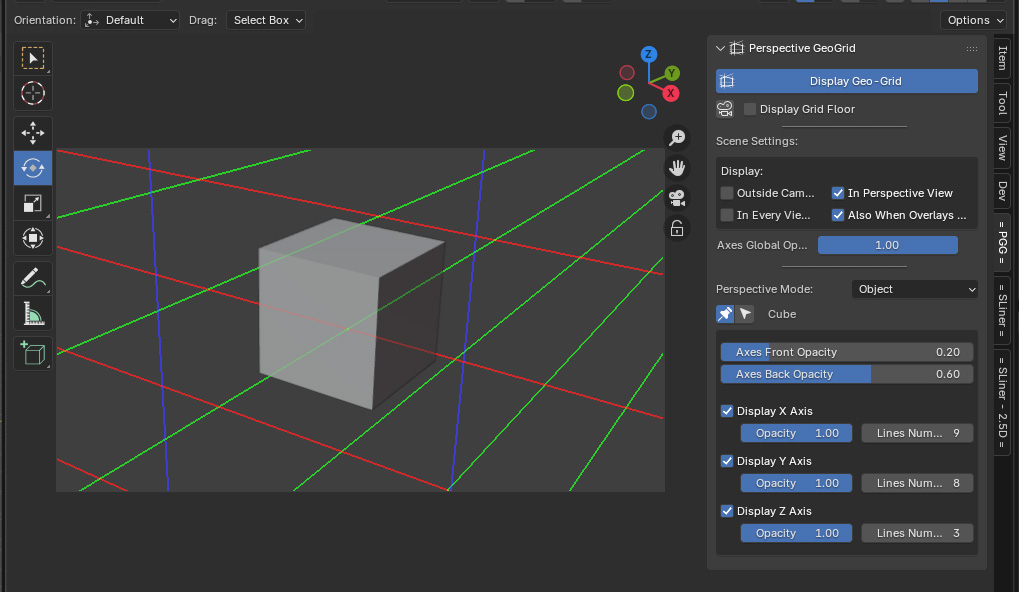
Perspective Geo-Grid
Introduced in StoryLiner V1.4.
This is a first iteration on a tool aiming at displaying perspective lines and drawing helpers.
As for any other experimental feature, it has to be activated in the StoryLiner Preferences settings panel. See Activating an experimental feature
The Perspective Geo-Grid panel is located in the n-Tabs of the View editor. Just press the Display Geo-Grid button at the top to toggle the visibility of the lines in the current viewport.